





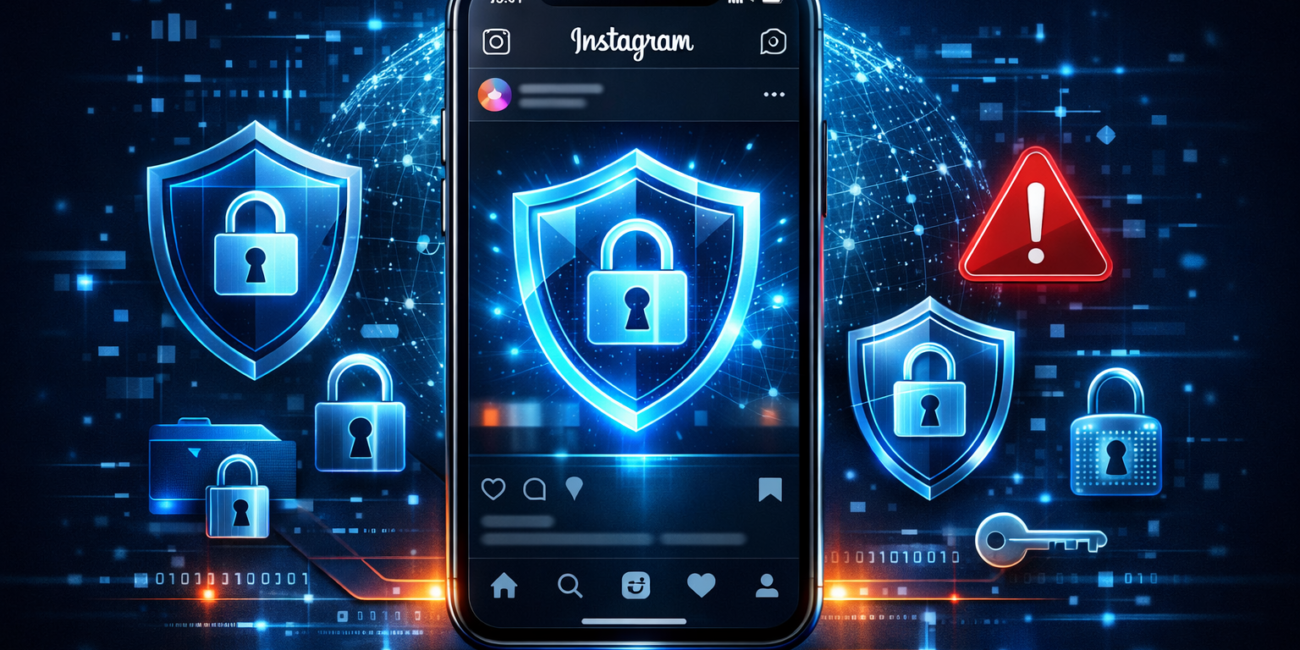
How to Protect Your Instagram from Hackers (2026 Security Guide)
As cyber threats continue to rise in 2026, users of Instagram are increasingly becoming targets for hackers. Cybersecurity experts warn that compromised accounts can lead to identity theft, financial loss, and misuse of personal content. Following proper security practices is now essential for anyone using the platform.
Why Instagram Accounts Get Hacked
Understanding the common causes of hacking can help users stay alert and prepared.
Major reasons include:
- Weak or reused passwords
- Clicking on phishing links
- Granting access to unsafe third-party apps
- Using unsecured public Wi-Fi
- Falling for fake support messages or scams
Being aware of these risks is the first step toward protection.
1. Create a Strong and Unique Password
A strong password is your first line of defense against hackers.
Instructions:
- Use at least 12–16 characters
- Include uppercase, lowercase, numbers, and symbols
- Avoid personal details like your name or birthdate
- Do not reuse passwords across multiple accounts
Tip: Consider using a password manager to generate and store secure passwords.
2. Enable Two-Factor Authentication (2FA)
Two-Factor Authentication adds an extra security layer beyond your password.
How to enable it:
- Go to Settings
- Tap Security
- Select Two-Factor Authentication
- Choose an authentication app (recommended) or SMS
This ensures that even if your password is stolen, your account remains protected.
3. Avoid Phishing Scams
Phishing is one of the most common hacking methods.
Watch out for:
- Messages claiming your account will be deleted
- Fake copyright or verification warnings
- Links asking for urgent login
- DMs pretending to be Instagram support
Important: Instagram never asks for your password via direct messages.
4. Check Login Activity Regularly
Monitoring your login activity helps detect suspicious access early.
Steps:
- Go to Settings
- Tap Security
- Open Login Activity
- Review devices and locations
If you see anything unfamiliar, log out immediately and change your password.
5. Remove Suspicious Third-Party Apps
Not all apps connected to your account are safe.
Instructions:
- Go to Settings
- Tap Security
- Select Apps and Websites
- Remove apps you don’t recognize
Only allow access to trusted and verified applications.
6. Secure Your Email Account
Your email account is directly linked to your Instagram security.
What to do:
- Enable 2FA on your email
- Use a strong, unique password
- Monitor for suspicious login activity
If your email is compromised, your Instagram account is at risk.
7. Avoid Using Public Wi-Fi
Public networks can expose your data to hackers.
Safety tips:
- Avoid logging into Instagram on public Wi-Fi
- Use mobile data whenever possible
- Consider using a trusted VPN
8. Turn On Login Alerts
Login alerts notify you when your account is accessed from a new device.
How to enable:
- Go to Settings → Security → Login Alerts
This allows you to take immediate action if suspicious activity occurs.
9. Verify Official Emails from Instagram
To avoid fake emails, Instagram provides a verification feature.
Steps:
- Go to Settings
- Tap Security
- Select Emails from Instagram
This helps confirm whether a message is legitimate.
10. What to Do If Your Account Is Hacked
If you suspect unauthorized access, act immediately.
Emergency steps:
- Change your password instantly
- Log out of all devices
- Check your email for security alerts
- Report the issue through Instagram Help Center
Quick action can help you recover your account faster.
Conclusion
As hacking techniques become more advanced, securing your Instagram account is no longer optional—it’s necessary. By following these step-by-step instructions, users can significantly reduce the risk of cyberattacks and maintain control over their digital presence.
Staying informed, alert, and proactive is the key to keeping your account safe in 2026 and beyond.

Other Articles

[…] How to Protect Your Instagram from Hackers (2026 Security Guide) […]