



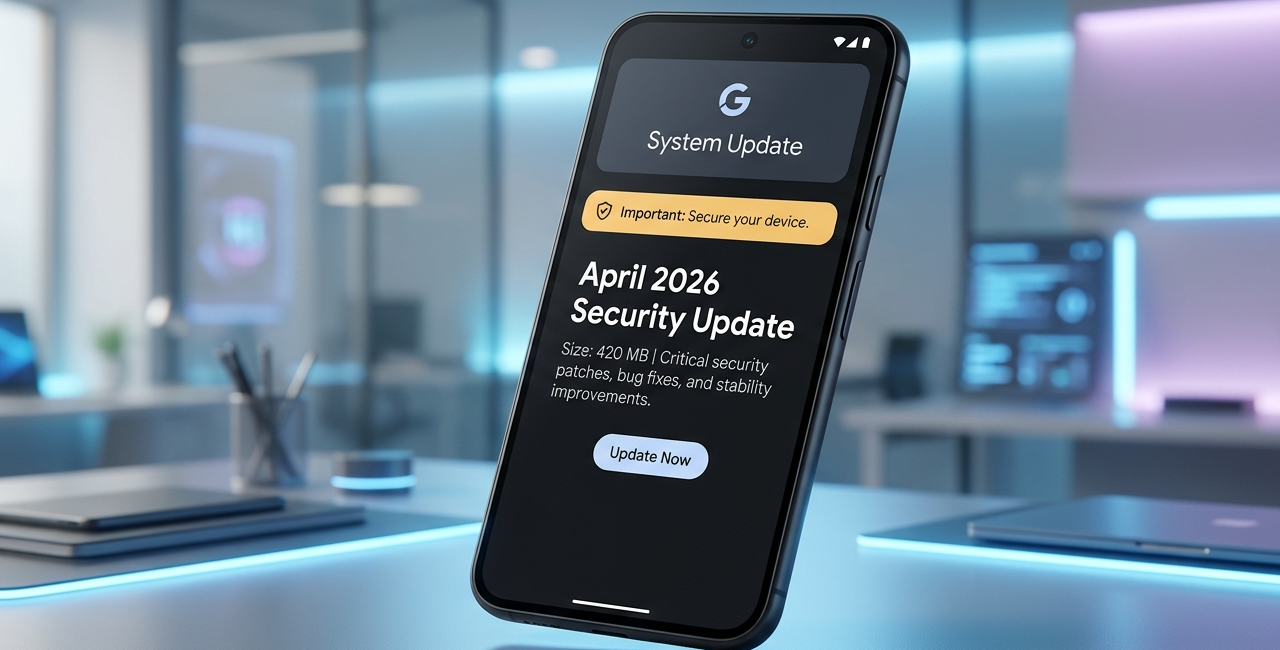
Google Issues Critical April 2026 Update for Pixel Phones, Users Urged to Install Immediately
Google has released a critical April 2026 software update for Pixel smartphones, urging users to install the patch as soon as it becomes available. Although the update does not introduce new features or major visual changes, it fixes multiple stability issues, app crashes, and system bugs that could affect everyday usage. These problems include banking apps crashing, games failing to launch, Quick Share transfer issues, and missing system settings.
The update is being rolled out gradually to all supported Pixel devices. Google recommends that users manually check for the update if they have not yet received it. Security analysts also note that stability fixes often carry security importance, making this update more significant than a typical maintenance release.
Why Google Is Calling This a Critical Update
This release focuses on bug fixes and reliability improvements rather than new features. However, Google categorized the update as critical because the issues it resolves affect core system behavior and widely used apps. Some users experienced banking apps closing during login, while others reported games crashing immediately after launch. There were also complaints about Quick Share transfers failing, backup settings disappearing, and the home screen search bar vanishing.
These issues directly impact daily smartphone use. Crashes in financial apps can interrupt transactions, cause authentication failures, and force users to restart processes. System-level bugs can also create unintended security exposure. Even when no active exploit is known, Google typically prioritizes fixing such problems quickly to prevent potential vulnerabilities.
Because of this, experts recommend installing the update immediately once it becomes available.
Banking App Stability Fix
One of the most important fixes addresses crashes affecting financial applications. Some Pixel users reported banking apps closing immediately after launch or freezing during login. Others experienced issues while confirming payments. The April update resolves compatibility problems between the Android system and secure app environments.
This improvement ensures smoother login performance, stable payment confirmation, improved biometric authentication reliability, and fewer unexpected session timeouts. Since banking apps handle sensitive information, stability improvements in this area are especially important.
Game Crash and Performance Improvements
The update also resolves a bug that caused certain games to crash during launch. Some users encountered a black screen when opening games, followed by the app closing automatically. Google has improved graphics driver stability and memory handling, which should prevent these crashes.
These changes are expected to improve game launch reliability, reduce stuttering, and provide more consistent performance. While this update does not specifically target gaming performance enhancements, fixing crash issues improves overall usability for users who play resource-heavy games.
Quick Share Transfer Fix
Quick Share is Google’s wireless file sharing feature used between Android devices. Some Pixel users reported transfer failures, especially when sending larger files. The update fixes connection drop issues, device discovery problems, and transfer timeout errors.
After installing the update, Quick Share should function more reliably, with improved connection stability and successful file transfers. This fix is particularly useful for users who frequently send photos, videos, or documents between devices.
Backup Settings Restored
Another issue addressed in the update involves the Backup option disappearing from system settings. This prevented some users from managing backups or checking backup status. The April update restores backup settings visibility and improves access to Google account backup controls.
This ensures users can verify backup status, manage app backups, and restore device data when needed. Since backups are essential for data protection, this fix is an important part of the update.
Home Screen Search Bar Bug
Some Pixel users noticed the Google search bar disappearing from the home screen. Restarting the device did not always resolve the problem. The update fixes launcher refresh issues and widget placement glitches, restoring the search bar automatically.
This change also improves home screen layout stability and prevents widgets from resetting unexpectedly.
General Stability Improvements
In addition to specific fixes, Google included multiple general stability improvements. These changes reduce background app crashes, improve memory management, enhance system responsiveness, and minimize random UI glitches. While these improvements may not be immediately visible, they contribute to smoother everyday performance.
These kinds of updates help ensure that Pixel devices continue running reliably without unexpected interruptions.
Devices Receiving the Update
The April 2026 update is rolling out to all supported Pixel devices. This includes the Pixel 9 series, Pixel 8 series, Pixel 7 series, Pixel 6 series, Pixel Fold, and Pixel Tablet. Devices still within Google’s support window will receive the update.
The rollout is staged, meaning not all users will receive it at the same time. Some devices may get it immediately, while others may need to wait several days.
Why the Update Is Rolling Out Gradually
Google releases updates in phases to monitor stability. Initially, the update is sent to a small group of users. If no major issues are detected, the rollout expands to more devices. This approach reduces the risk of widespread problems.
If the update is not yet available on a device, it simply means the rollout has not reached that device yet.
How to Check for the Update
Users can manually check for the update through device settings. Open Settings, go to System, tap Software update, and then select Check for update. If available, download and install the update.
It is recommended to connect to Wi-Fi and ensure sufficient battery before installing.
No New Features in This Release
This update does not introduce new camera features, AI tools, or interface changes. It focuses entirely on fixing bugs and improving reliability. Although feature updates often receive more attention, stability updates are essential for long-term performance and device security.
Should You Install It Immediately
Yes, Pixel users should install the update as soon as it becomes available. It fixes important issues affecting app stability, file sharing, system settings, and launcher behavior. There are currently no known problems associated with the update.
Installing the patch ensures smoother performance, improved reliability, and fewer unexpected crashes.
Final Thoughts
Google’s April 2026 Pixel update may not bring new features, but it addresses several issues that affect everyday smartphone usage. Fixes for banking app crashes, Quick Share failures, missing settings, and system instability make this an important release for Pixel users.
Because these problems impact core functionality, Google has labeled the update as critical. The rollout is gradual, but users are encouraged to check manually and install the update when available.
For Pixel owners, installing this update is the best way to ensure reliable performance, stable apps, and improved system behavior.

Other Articles