





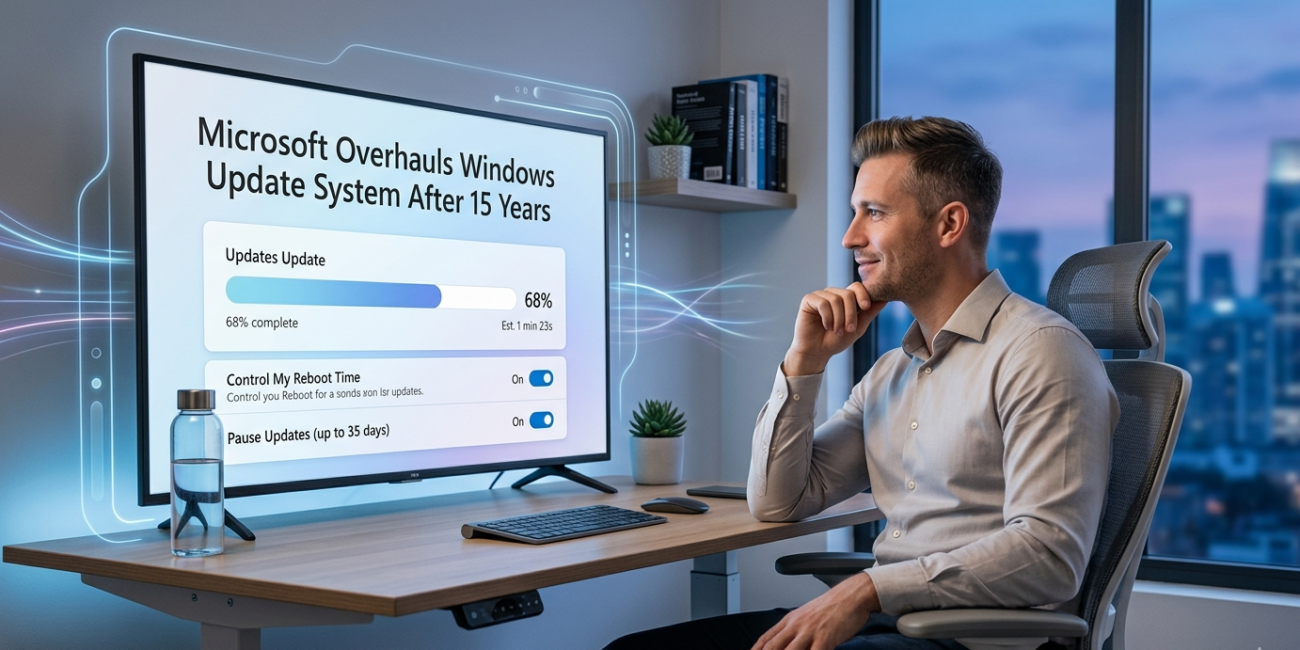
Microsoft Overhauls Windows Update System After 15 Years
A Long-Awaited Shift in Windows Update Strategy
In a move that signals a major shift in how personal computers are maintained and secured, Microsoft has announced significant changes to its Windows Update system, marking the most substantial overhaul in more than 15 years. The update, which begins rolling out in April 2026, reflects a new philosophy that prioritizes user control, transparency, and flexibility while still maintaining the company’s strong focus on security.
For years, the Windows Update system has been a cornerstone of the Windows operating system, ensuring that devices receive critical security patches, feature enhancements, and performance improvements. However, it has also been a consistent source of frustration for users who have experienced unexpected restarts, forced updates, and interruptions during important tasks. This latest transformation represents Microsoft’s attempt to address those concerns while modernizing the update experience for a new generation of users.
The Evolution of Windows Update
The Windows Update system has undergone numerous changes since its early days, but its core approach has remained largely unchanged for over a decade. With the introduction of Windows 10, Microsoft adopted a more aggressive update strategy, emphasizing automatic updates to ensure that all users remained protected against emerging security threats. This approach continued with Windows 11, where updates became even more integrated into the system’s lifecycle.
While this model improved overall security, it often came at the cost of user convenience. Many users found themselves dealing with sudden restarts, lengthy installation processes, and limited control over when updates could be applied. Over time, these frustrations led to widespread criticism, with users calling for a more balanced approach that would allow them to manage updates on their own terms.
A New Approach to User Control
The latest changes introduced by Microsoft represent a clear departure from the rigid update policies of the past. The company is now placing greater emphasis on giving users more control over their devices, allowing them to decide when and how updates are installed. This shift reflects a broader trend in the technology industry, where user experience and flexibility are becoming increasingly important.
Under the new system, update notifications will be more visible and easier to understand. Instead of being confined to the settings menu, alerts will appear more prominently within the operating system, ensuring that users are aware of pending updates without needing to actively search for them. This approach aims to strike a balance between keeping users informed and avoiding unnecessary disruption.
At the same time, Microsoft is reducing the number of forced restarts that have long been a source of frustration. Users will have more options to delay updates, schedule installations at convenient times, and avoid interruptions during critical tasks. This change is particularly significant for professionals and students who rely on their computers for work and study, as it minimizes the risk of losing progress due to unexpected system behavior.
Smarter and More Adaptive Updates
Another key aspect of the overhaul is the introduction of smarter update delivery mechanisms. Microsoft is leveraging advances in artificial intelligence and system analytics to determine the optimal time to install updates based on user behavior. By analyzing usage patterns, the system can identify periods of inactivity and schedule updates accordingly, reducing the likelihood of disruption.
This adaptive approach represents a significant improvement over the previous model, where updates were often installed at predetermined times regardless of user activity. By making the process more intelligent, Microsoft aims to create a seamless experience that integrates updates into the natural rhythm of device usage.
In addition to improved timing, the new system is designed to make updates faster and more efficient. By optimizing the way updates are downloaded and installed, Microsoft hopes to reduce the time required for maintenance tasks, allowing users to get back to their work more quickly. These enhancements are particularly important as updates become larger and more complex, requiring more sophisticated management techniques.
Addressing Longstanding Criticism
The decision to overhaul the Windows Update system comes in response to years of feedback from users, businesses, and IT professionals. Complaints about forced updates and lack of control have been a recurring theme in discussions about Windows, often overshadowing the benefits of automatic updates.
By introducing these changes, Microsoft is acknowledging the need to rebuild trust with its user base. The company recognizes that while security remains a top priority, it must also respect the needs and preferences of its users. This balancing act is not easy, as reducing the enforcement of updates could potentially expose devices to vulnerabilities. However, Microsoft appears confident that its new approach can achieve both security and usability.
The overhaul also reflects lessons learned from previous update-related issues, including instances where updates caused system instability or compatibility problems. By giving users more control, Microsoft is effectively allowing them to manage risk in a way that aligns with their individual circumstances.
The Broader Context of Windows Development
The timing of this change is significant, as it comes during a period of transition for the Windows ecosystem. Following the end of support for Windows 10 in 2025, Microsoft has been focusing on expanding and refining the capabilities of Windows 11. The new update system is a key part of this effort, ensuring that the operating system remains competitive in an increasingly crowded market.
As users compare Windows with other platforms such as macOS and various Linux distributions, expectations for flexibility and control have risen. Microsoft’s decision to modernize its update system reflects an understanding of these expectations and a desire to remain relevant in a rapidly evolving technological landscape.
Security Remains a Core Priority
Despite the increased emphasis on user control, Microsoft has made it clear that security will not be compromised. Critical updates will continue to be delivered promptly, and the company will maintain its commitment to protecting users from emerging threats. The challenge lies in implementing these protections in a way that does not disrupt the user experience.
The new system is designed to provide clearer information about the importance of each update, helping users make informed decisions about when to install them. By improving communication and transparency, Microsoft hopes to encourage users to stay up to date without feeling forced.
Implications for Users and Businesses
The changes to Windows Update are expected to have a wide-ranging impact on both individual users and organizations. For home users, the increased flexibility will likely lead to a more pleasant computing experience, with fewer interruptions and greater control over system behavior. For businesses, the ability to manage updates more effectively could improve productivity and reduce downtime.
IT departments, in particular, may benefit from the enhanced customization options, which allow them to tailor update policies to the specific needs of their organizations. This could lead to more efficient deployment of updates and better alignment with business operations.
Looking Ahead
As Microsoft rolls out these changes, the success of the new update system will depend on how well it balances the competing demands of security, usability, and performance. Early reactions from users will play a crucial role in shaping future refinements, as the company continues to adapt its approach based on feedback.
The overhaul of Windows Update marks a significant milestone in the evolution of the Windows operating system. By rethinking a system that has remained largely unchanged for over 15 years, Microsoft is demonstrating its willingness to evolve and respond to the needs of its users.
Conclusion
The transformation of the Windows Update system represents a bold step forward for Microsoft, signaling a new era of user-centric design and smarter technology. By addressing longstanding concerns and embracing a more flexible approach, the company is laying the groundwork for a more modern and responsive computing experience. As the changes take effect, users around the world will be watching closely to see whether this long-awaited overhaul delivers on its promise of a better, more balanced update system.

Other Articles

AOL Outage Disrupts Email Services for Thousands Worldwide
PlayStation Network Outage Disrupts Online Gaming Worldwide